
How to delegate access to your GoDaddy domain
You can invite a delegate (like your web designer or developer) to access the GoDaddy products in your account. Delegates can open and use your products, but they can’t view or change account information like your payment methods and passwords.
- Go to your GoDaddy Delegate Access page. You might be prompted to sign in.
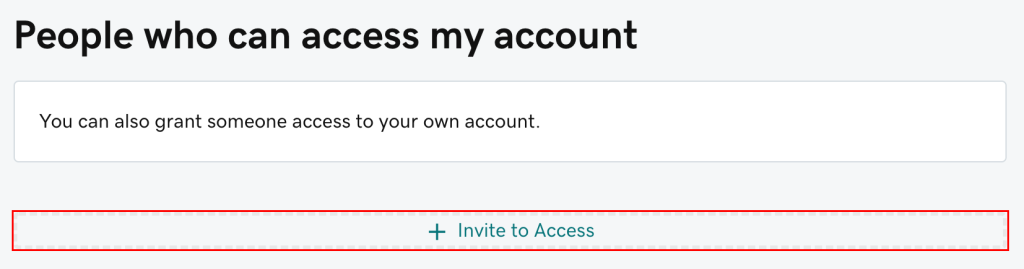
- In the People who can access my account section, select Invite to Access.
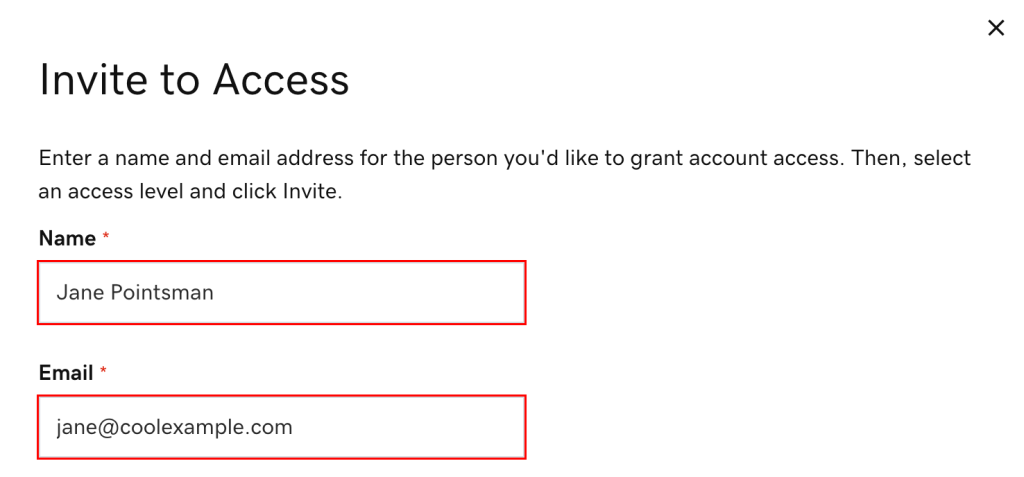
- Enter the Name and Email address for the person you’re inviting.
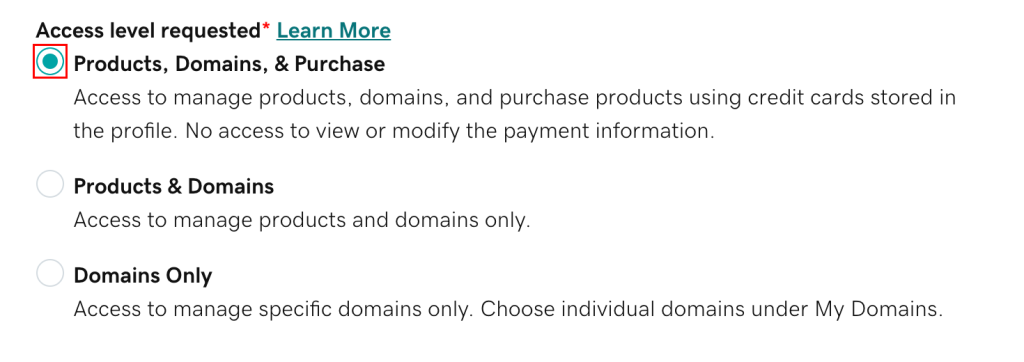
- Select one of the access levels. If you’re not sure what this means, read our explanation of access levels.
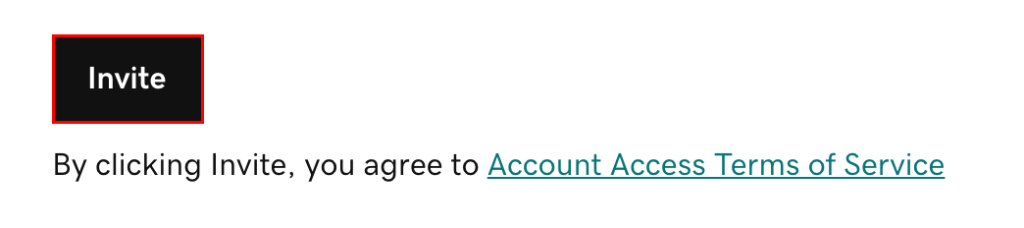
- Select Invite. We’ll send the person an email invitation to access your account. Once the person accepts, we’ll let you know.
EXCELLENT Based on 34 reviews
 Posted on Google
 Robert PetrieA++++ service. Highly recommend, has done wonders for my businessPosted on Google
 Nic GarzaI’ve been working with TJ at Lifted Websites for a few months now and I am extremely impressed with the hustle, dedication, and professionalism he has shown. I am very excited to see where the future will take our partnership. I would highly recommend his work to anyone looking for an effective SEO solution.Posted on Google
 Matt AlbaWorking with TJ and Lifted Websites has been an incredible experience. I own and operate two home-service companies, each serving a unique vertical and a very specific clientele within the HVAC industry. TJ took the time to truly understand both businesses, our customers, and the vision behind each brand. The difference between Lifted Websites and the agency I previously worked with has been night and day. TJ provides a level of customized service and strategic thinking that is difficult to find. He is extremely knowledgeable and well-versed in all things AI, search, and SEO, and he understands how these technologies are changing the way customers find and choose service-based businesses. His communication is excellent, every deliverable has been completed on time, and he consistently makes the entire process feel organized and collaborative. One of the things I appreciate most is being able to bounce ideas off TJ, brainstorm together, and develop a clear strategic vision for the future. He listens, contributes thoughtful ideas, and genuinely cares about helping our businesses succeed. TJ is an absolute pleasure to work with, and I would highly recommend Lifted Websites to any home-service business looking for a knowledgeable, dependable, forward-thinking, and creative website and marketing partner.Posted on Google
 Ryan HeltonFirst class, top notch, honest, caring, ethical, highly competent- highly recommend!Posted on Google
 Shekira WilliamsTJ and Gregg have been amazing to partner with on building and launching our website! Very prompt and insightful responses to all of my inquiries. The website turned out beautiful!Posted on Google
 Dr. Enrique WismannHands down the best!!!Posted on Google
 Ryan LehrmanGregg and TJ are great to work with. They’ve been managing my website and SEO, and I’ve been extremely happy with their work. Can’t thank them enough. Highly recommended!!!!Posted on Google
 N BrownDefinitely recommend. They created a new website for my business that looks amazing. TJ and Gregg respond quickly to all of my questions and concerns ( and I have lots of them lol ) Very professional and knowledgeable! Give them a call!!!Posted on Google
 Brad ColemanTJ is one of those people you immediately know is great at what he does and will take care of business. We have seen excellent results in our website data, and we know a lot of that is because of his hard work and expertise. He is responsive, dependable, and always makes us feel like we are in good hands. People like TJ are hard to come across these days, and we are grateful to work with him.Posted on Google
 Akaw PoolsHighly recommend! Great communication, very knowledgeable, and genuinely cares about helping your business grow. He’s been professional, responsive, and easy to work with throughout the entire process. If you’re looking for someone to handle your SEO or website, this is the best choice.Verified by TrustindexTrustindex verified badge is the Universal Symbol of Trust. Only the greatest companies can get the verified badge who has a review score above 4.5, based on customer reviews over the past 12 months. Read more