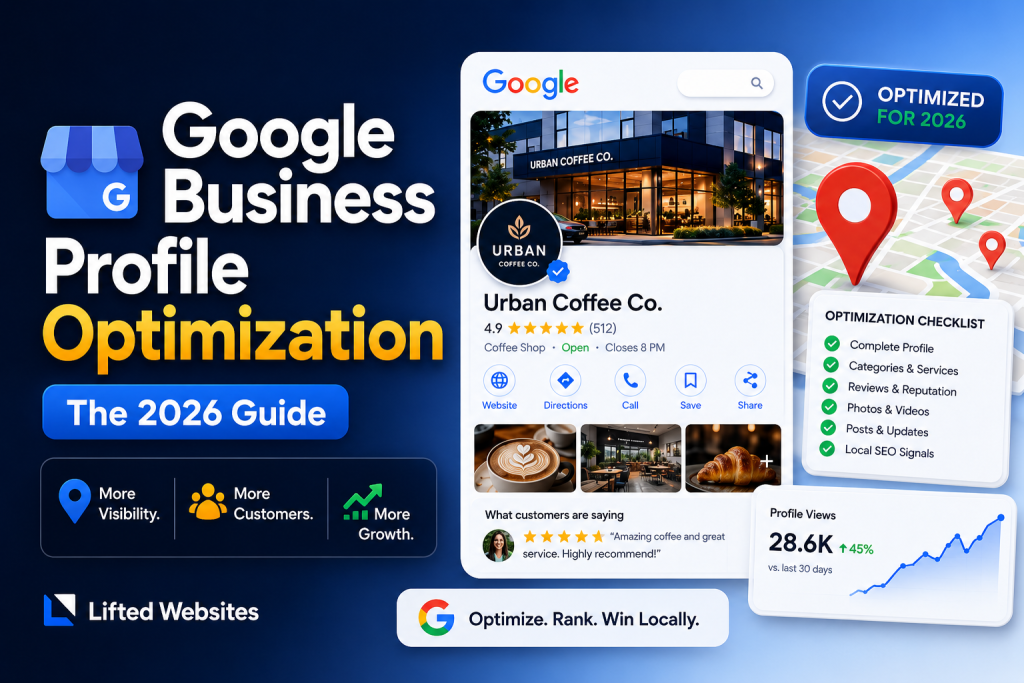
Google Business Profile optimization is the process of completing, structuring, and actively managing your free Google business listing so it ranks in the map pack and gets chosen over competitors. It covers your categories, services, photos, reviews, posts, and the consistency of your business data across the web. Done right, it’s the single highest-leverage task in local SEO. Done wrong, it can get your profile suspended.
This guide is the process we run on client profiles at our Scottsdale agency, ordered by what actually moves rankings, with the method we use to prove it worked. If you’d rather hand it off, Google Business Profile optimization service is included in our local SEO services at $800/month. Either way, the playbook below is the whole playbook.
⚡ QUICK ANSWER
How Do You Optimize a Google Business Profile?
Optimize a Google Business Profile by setting the most specific primary category for your business, completing every service and attribute field, earning steady reviews and responding to all of them, uploading real photos monthly, posting weekly, and keeping your name, address, and phone identical everywhere online. Category, reviews, and the landing page your profile links to carry the most ranking weight. Decorative items like cover photo choice carry almost none.
Not All GBP Fields Are Equal: What Actually Moves Rankings
Google decides local rankings on three pillars — relevance, distance, and prominence — documented in Google’s local ranking guidance. You can’t change your distance from the searcher. Everything else in your profile feeds relevance or prominence, and unevenly. Most guides hand you a flat list of 15 tips; here’s the same work sorted by ranking impact:
| Impact | Profile Elements | Why |
|---|---|---|
| High | Primary category, review quantity + velocity + replies, the website page your profile links to, proximity-proofed citations (NAP) | Direct relevance and prominence signals Google names explicitly |
| Medium | Secondary categories, services and products fields, attributes, Q&A you seed and answer, photo recency | Relevance refiners and conversion drivers; indirect ranking value |
| Low | Business description keywords, post frequency beyond weekly, cover photo, logo | Worth completing for conversions; minimal ranking weight |
Spend your hours top-down. A profile with the wrong primary category and twelve reviews will lose to a competitor with the right category and two hundred, no matter how good the description reads.

The 10-Step Google Business Profile Optimization Checklist
Work these in order. Steps 1 through 4 are the ranking core; 5 through 10 compound over time.
- 1. Claim and verify the profile — and audit for duplicate listings at the same address, which split your review equity.
- 2. Set the most specific primary category — “Roofing contractor,” not “Contractor.” Add secondary categories only for services you genuinely provide.
- 3. Use your real business name — exactly as it appears on signage, per Google’s representation guidelines. More on why in the suspension section below.
- 4. Point the website field at your best local page — usually your homepage or a city service page, not a generic contact page. The on-page SEO of that destination is part of your map-pack ranking.
- 5. Fill every service with a description — these feed Google’s understanding of what searches you match.
- 6. Build a review system, not a review blast — a steady few reviews per week beats fifty in one month, and reply to every one, including the bad ones.
- 7. Upload real photos monthly — jobsites, team, storefront. Stock photos are a trust leak with both customers and Google.
- 8. Post weekly — offers, projects, updates. Posts expire from prominence quickly, so consistency beats volume.
- 9. Seed and answer your own Q&A — ask the questions customers call about, answer them publicly. Otherwise strangers will, wrongly.
- 10. Match your NAP everywhere — name, address, and phone identical across your site, directories, and social profiles. Our full local SEO checklist covers the citation cleanup process step by step.
The Optimization “Tricks” That Get Profiles Suspended
GBP optimization has a gray market, and Google has been suspending its customers. The most common trap is keyword stuffing the business name — changing “Smith Plumbing” to “Smith Plumbing | Emergency Plumber Phoenix AZ.” It works until it doesn’t: it violates Google’s representation guidelines, competitors can report it, and a suspension takes your reviews and rankings offline for weeks while you appeal. Other suspension magnets: virtual offices and P.O. boxes listed as storefronts, review gating (only asking happy customers), and creating listings for service areas where you have no real presence. If an agency pitches any of these as “advanced optimization,” that’s the cue to leave.
How to Prove Your Optimization Actually Worked
This is the step every guide skips. Checking your own ranking from your office tells you almost nothing, because Google personalizes the map pack by the searcher’s exact location. The honest measurement is a geo-grid scan: a tool checks your map-pack position from a grid of points across your service area, before optimization and again 60 to 90 days after.
✅ The before-and-after method
Run a geo-grid scan for your two or three money keywords before you touch the profile. Save it. Optimize, wait 60 days, scan again on the same grid. Green spreading outward from your pin is proof; no movement means the bottleneck is reviews, citations, or your website rather than the profile itself. We compare the grid tools we use on our geo-grid tracker comparison page, and this scan is the first deliverable in every campaign we run.
Your GBP Is What AI Search Reads First
When someone asks ChatGPT, Gemini, or Google’s AI Mode for “a good chiropractor in Tempe,” the recommendation engines lean on the same entity data your Google Business Profile anchors: your categories, your review profile, and whether your name, address, and phone match across every source they crawl. A profile with conflicting data doesn’t just rank worse in maps. It makes you an unsafe answer for an AI to give, so it gives your competitor instead. The optimization work above is the local layer of what we do sitewide in our AI SEO services: make your business the most consistent, verifiable entity in your market.
DIY, One-Time Cleanup, or Ongoing Management?
Three honest paths, and the first two are sometimes the right answer:
- DIY — if you’re in a small market with weak competitors, this guide plus two hours a month is genuinely enough. You don’t need us.
- One-time optimization service — agencies sell these around $500. Fine for fixing categories and fields, but the high-impact factors (reviews, posts, photos, citations) are ongoing by nature. A one-time cleanup decays.
- Ongoing management — for competitive markets where the map pack is contested monthly. GBP optimization and management is included in our local SEO plans at $800/month per location, alongside the website, citation, and link work the profile depends on. Sister service for businesses focused purely on map rankings: Google Maps SEO.
Google Business Profile Optimization FAQ
Is Google Business Profile optimization free?
Yes. The profile is free and every optimization in this guide can be done yourself at no cost. Paid services exist because the work is ongoing and time-consuming, not because the platform charges anything.
How long does GBP optimization take to improve rankings?
Profile changes are usually reflected within days, but ranking movement typically shows over 30 to 90 days as reviews accumulate and Google recrawls your citations. Measure with a before-and-after geo-grid scan rather than searching from your own office.
What’s the most important Google Business Profile ranking factor?
Your primary category, followed closely by your review profile and the quality of the website page your listing links to. These map directly to the relevance and prominence pillars in Google’s own local ranking documentation.
Is GMB optimization the same as Google Business Profile optimization?
Yes. Google My Business (GMB) was renamed Google Business Profile in late 2021. Anyone still selling “GMB optimization” is describing the same work with a name Google retired years ago, which is worth noting when you evaluate providers.
Can adding keywords to my business name help me rank?
It can boost rankings short-term, and it violates Google’s guidelines, invites competitor reports, and risks a suspension that takes your profile offline for weeks. Use your real business name and put keywords in your categories, services, and website instead.
How much does a Google Business Profile optimization service cost?
One-time optimization services typically run around $500. Ongoing management is usually bundled into local SEO retainers; ours includes full GBP management within local SEO plans at $800/month per location, since the profile’s biggest ranking inputs are monthly work, not one-time setup.
Want Us to Run Your Geo-Grid First?
We’ll scan your map-pack rankings across your whole service area and audit your profile against the high-impact factors above. You’ll see exactly where you stand before anyone asks you to spend a dollar.
📞 Or call us directly: (888) 863-7421 | 6815 E Camelback Rd, Scottsdale, AZ 85251